Families take a photo. Kids leave with a coloring page of themselves.
An iPad on a stand and a small printer beside it. A family taps start and smiles, the iPad turns the photo into a black-and-white coloring page, and the page prints on the spot for the kids to color at the table. The photo is erased the moment the page prints.
No fee and no subscription. You supply the iPad, the stand and the printer.
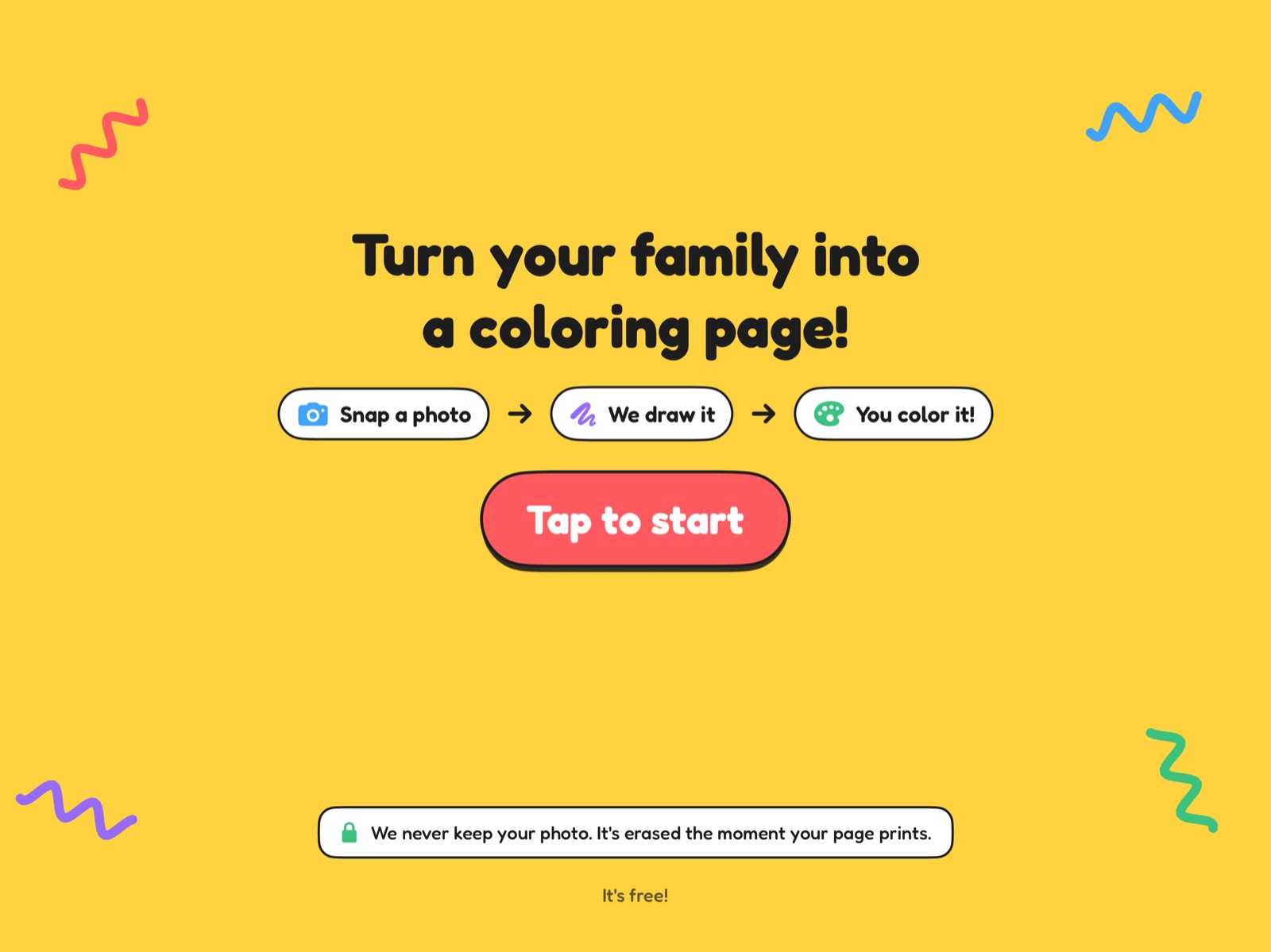
Four taps from hello to a page in their hands.
Tap to start
Big buttons and few words, so a five-year-old and a grandparent can both work it.
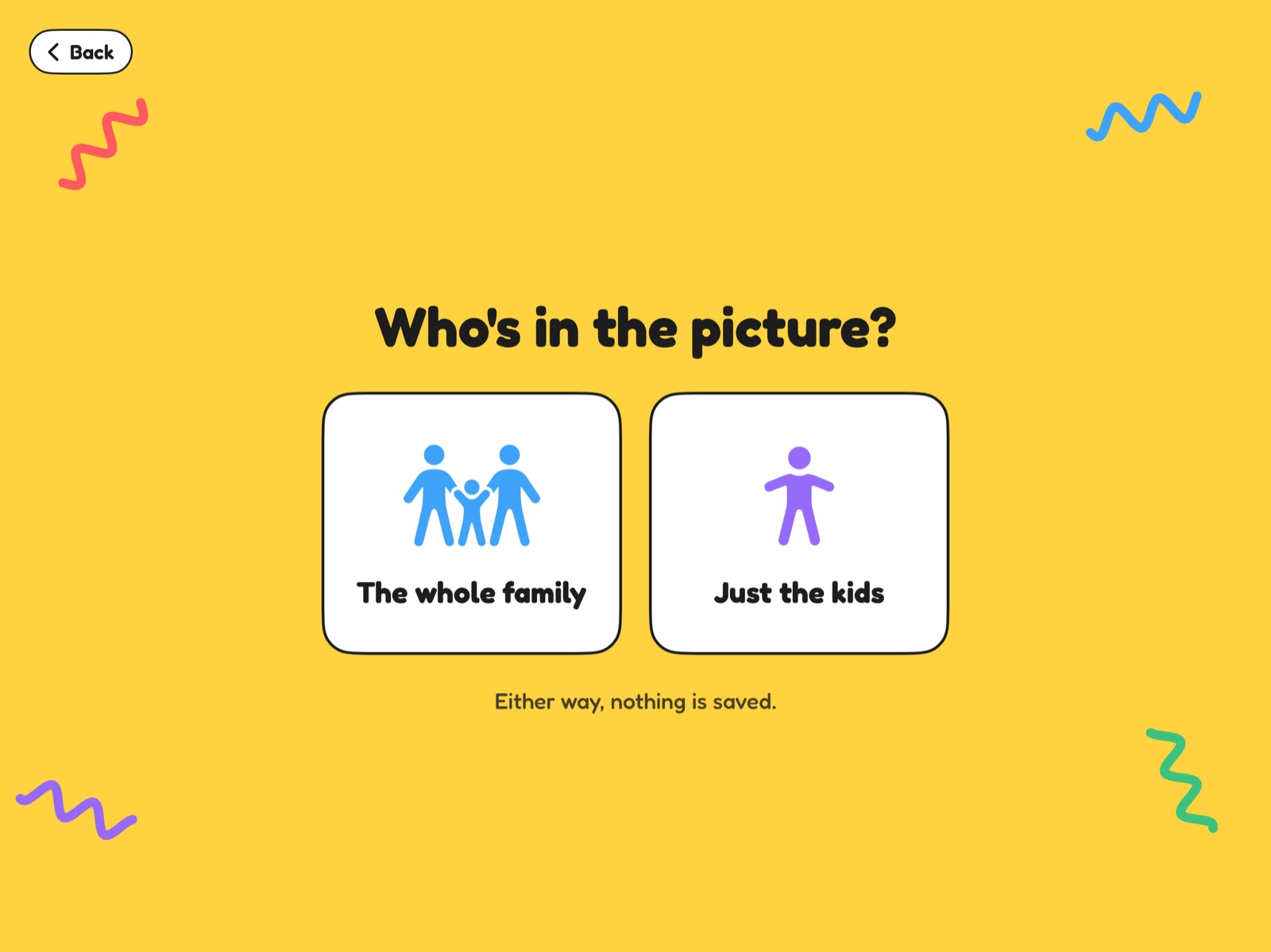
Pick who's in it
The whole family, or just the kids. Some parents would rather stay out of the picture.
Smile for 3-2-1
A live camera view with a countdown. They see their page a few seconds later and can print it or try again.
Print and color
The page prints beside the stand on plain letter paper. The screen confirms the photo has been erased and resets for the next family.
Thick, clean lines that crayons can follow.
The drawing is made by a line-art model that runs on the iPad itself. It keeps the people and drops the background, then cleans the lines to solid black on white so the page prints sharp on an ordinary office printer.
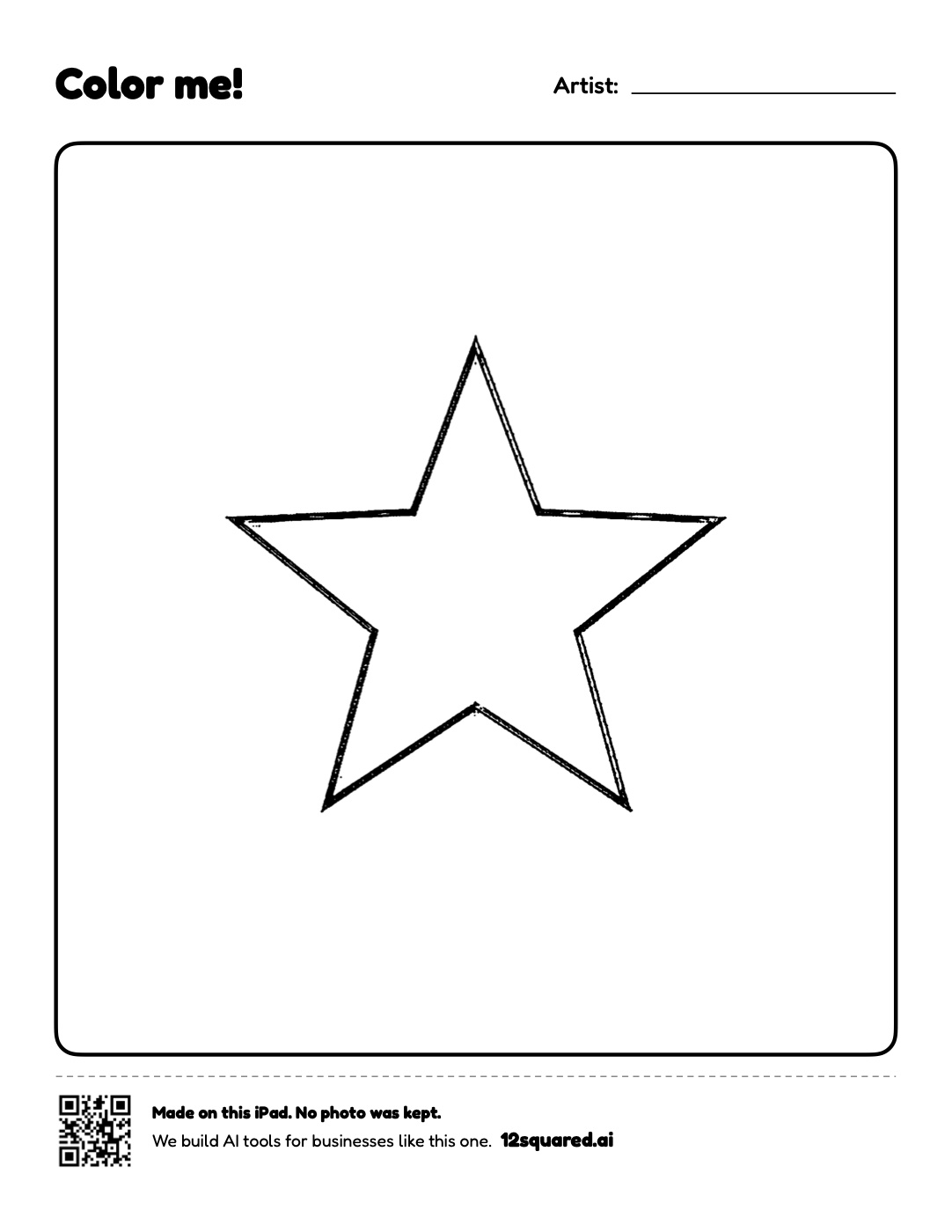
Each page has a "Color me!" title and an "Artist" line for the child's name. Your venue's name can go at the top. A small strip at the bottom says the page was made at the booth, that no photo was kept, and carries a QR code to 12squared.ai.
The sample here is the test page staff print during setup. A family's page uses the same layout, with their drawing in the frame.
Nothing is kept. Not the photo, not the page.
Parents are asked to photograph their children in a public place, so the booth is built to keep nothing and to say so on every screen.
- Made on the iPadThe drawing is made on the device. The app does not send photos anywhere, and it has no access to the photo library.
- Erased every timeThe photo and drawing are held in memory only, and erased when the page is sent to the printer, when someone taps Try again, or after a minute with no taps.
- No face recognitionThe app separates people from the background and nothing more. It does not detect, measure or store faces.
- No share buttonFamilies never see the iPad's standard print screen, which has a Share button. If the printer needs attention, the booth asks for a grown-up instead.
- Locked to the boothSettings sit behind a hidden staff gesture and a PIN, and the iPad is locked to the app with Apple's Guided Access.
Hardware you may already own.
The app is free. There is no monthly fee and no ads beyond the small 12squared.ai line at the bottom of each page.
Why free? The booth is how parents meet 12². If you run a business and want something built for it, see what the studio builds.
- An iPadAny iPad with a front camera that runs iPadOS 17 or later.
- A standA locking floor or counter stand at a child's height, near an outlet.
- An AirPrint printerOn the same Wi-Fi as the iPad, with US Letter paper. A black-and-white laser printer is the cheapest per page.
- About fifteen minutesPick the printer, print a test page, add your venue's name, set a staff PIN and lock the iPad to the app.
Straight answers.
Does it need the internet?
No. The drawing is made on the iPad and the page goes to the printer over your Wi-Fi. Nothing is sent to 12² or anyone else.
Where is it running today?
The booth is new, and we are lining up the first venues now. We will not list a venue here until it has agreed to be named.
Who pays for paper and ink?
The venue. A black-and-white laser printer keeps the cost per page low, and the pages are mostly white.
What if the printer jams or runs out of paper?
The family's photo has already been erased by then. The booth shows "The printer needs a grown-up's help", and staff can print a test page from the hidden settings once it is fixed.
Can it carry our logo or be built for our brand?
The free booth prints your venue's name. A booth in your own branding, or a different kiosk idea for your business, is a custom build: see the studio for how a 21-day build sprint works.
Tell us about your venue.
The name, the town and the kind of place is enough to start.
- A real replyWritten for you by 12², within one business day. Never an autoresponder.
- A short callWhere the booth would stand, which iPad and printer you have, and how to get the app onto it.
- SetupFifteen minutes with the iPad and printer, following our setup guide.
Prefer email? Write to [email protected]
Got it. Your message is in.
You'll get a personal reply within one business day.